
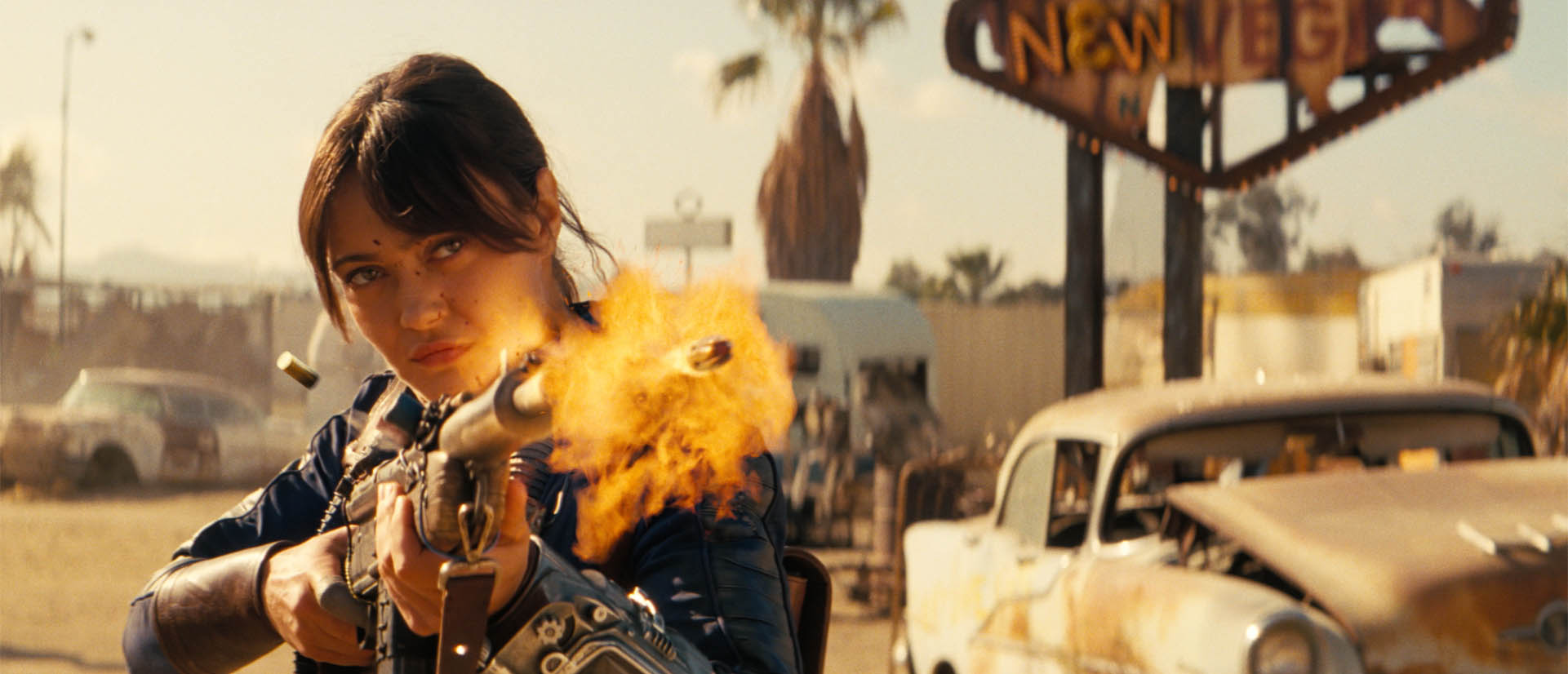
 In this podcast, visual effects supervisor Jay Worth discusses the intricate production of Fallout Season 2, highlighting a continued commitment to blending practical puppets with digital enhancements, the latest cutting-edge VFX and state-of-the-art AI.
The show utilised LED volume technology to create immersive environments, such as a post-war penthouse and a dark tundra, while pushing boundaries by shooting on film under direct sunlight. Key creature work featured animatronic proxies for the deathclaws and rad roaches to provide actors with physical references before final CGI integration. Hear Jay break down all the sequences in the fxpodcast, talking with fxguide’s Mike Seymour, who also worked on Season 2 with Jay.
De-aging
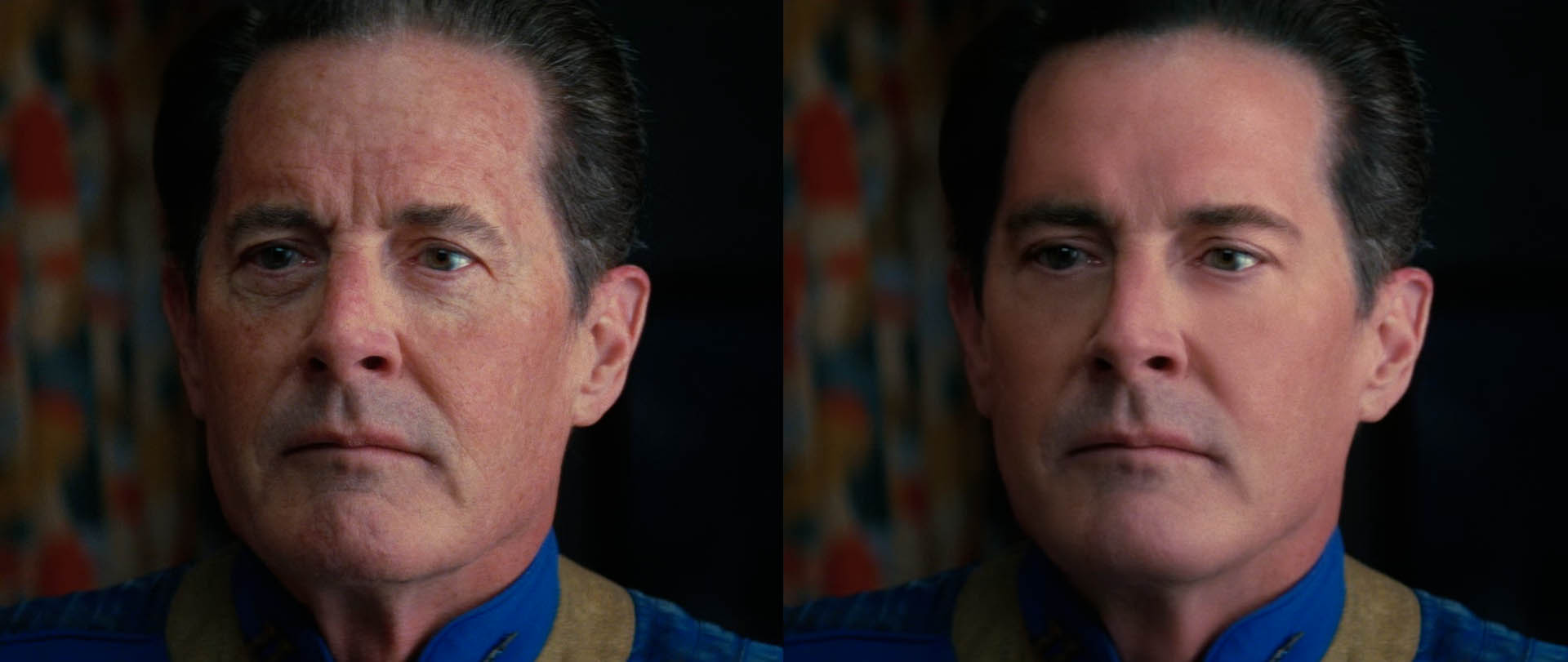
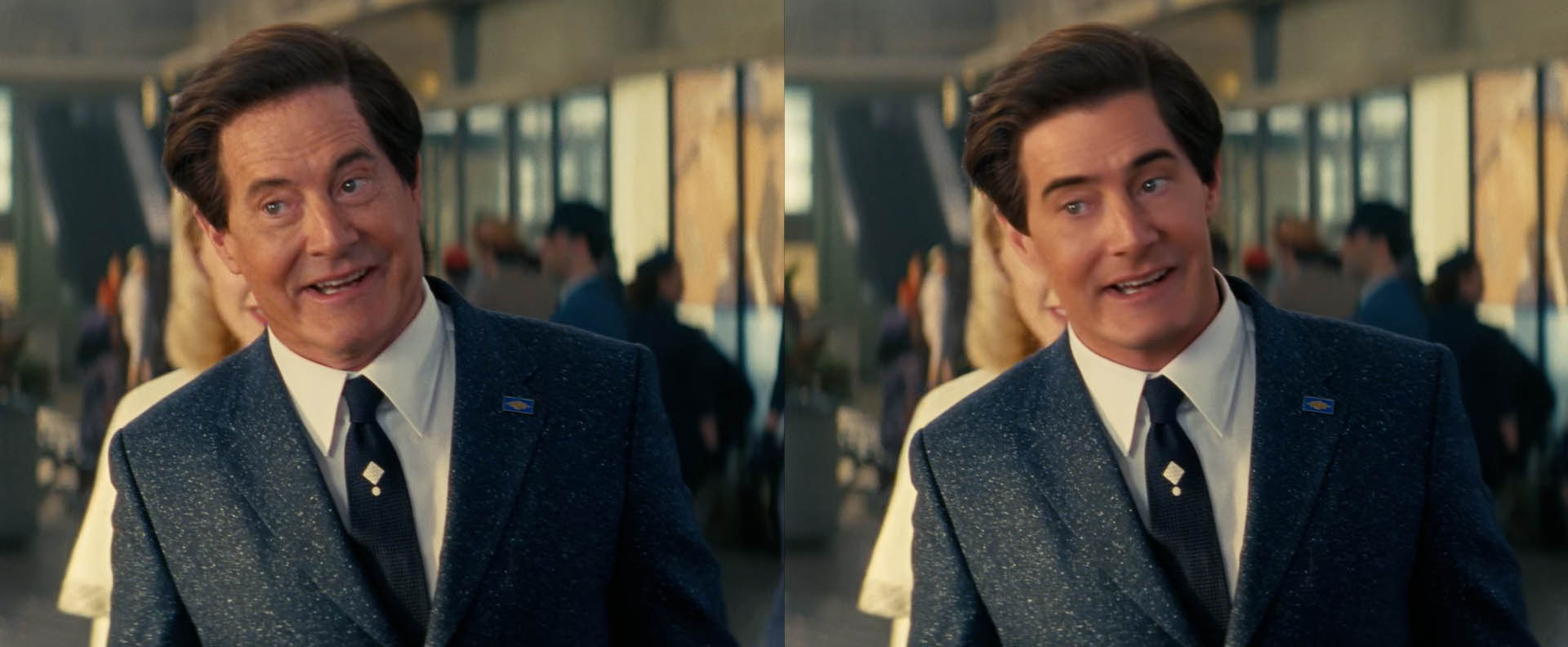
The team employed advanced AI and traditional VFX to achieve the de-aging of Kyle MacLachlan for flashback sequences.
- Preserving Performance: The primary goal was to ensure that the AI did not overshadow MacLachlan’s actual acting. The team used what they described as “digital makeup” to ensure that nuances, such as his eyeline and specific acting choices, were maintained from the original footage.
- Artistic Control: Artists were involved in organising the AI at its core and making specific creative decisions based on notes from the show’s creators.
- Authenticity: The team performed side-by-side comparisons with MacLachlan’s original performance to ensure the de-aged version looked seamless and authentic to his “buoyant energy” and physical presence.
Overall, the filming took place primarily in California and repurposing existing sets, the production maintained a grounded aesthetic while expanding the scale of its wasteland environments. This collaborative effort involved multiple global studios to deliver over 3,000 visual effects shots, ranging from graphic gore to the iconic ghoul nose removals. In addition to our discussion with Jay, We also spoke to the team behind Fallouts Rad Roaches at Refuge.
Rad roaches
In the world of Fallout, danger rarely arrives quietly. Sometimes it crawls in through the window. Sometimes it flies. And sometimes it comes in the form of a swarm of poodle-sized mutated Radroaches.
For Season 2, boutique visual effects house Refuge returned to the wasteland to expand the creature work they had first developed in Season 1, we spoke with founder and VFX supervisor Fred Ruff.
What began as a creature asset created for the original season became something far more robust for the new episodes, rebuilt during pre-production as the creature designer and the team understood what season 2 would require in terms of more demanding shots and heavier action.
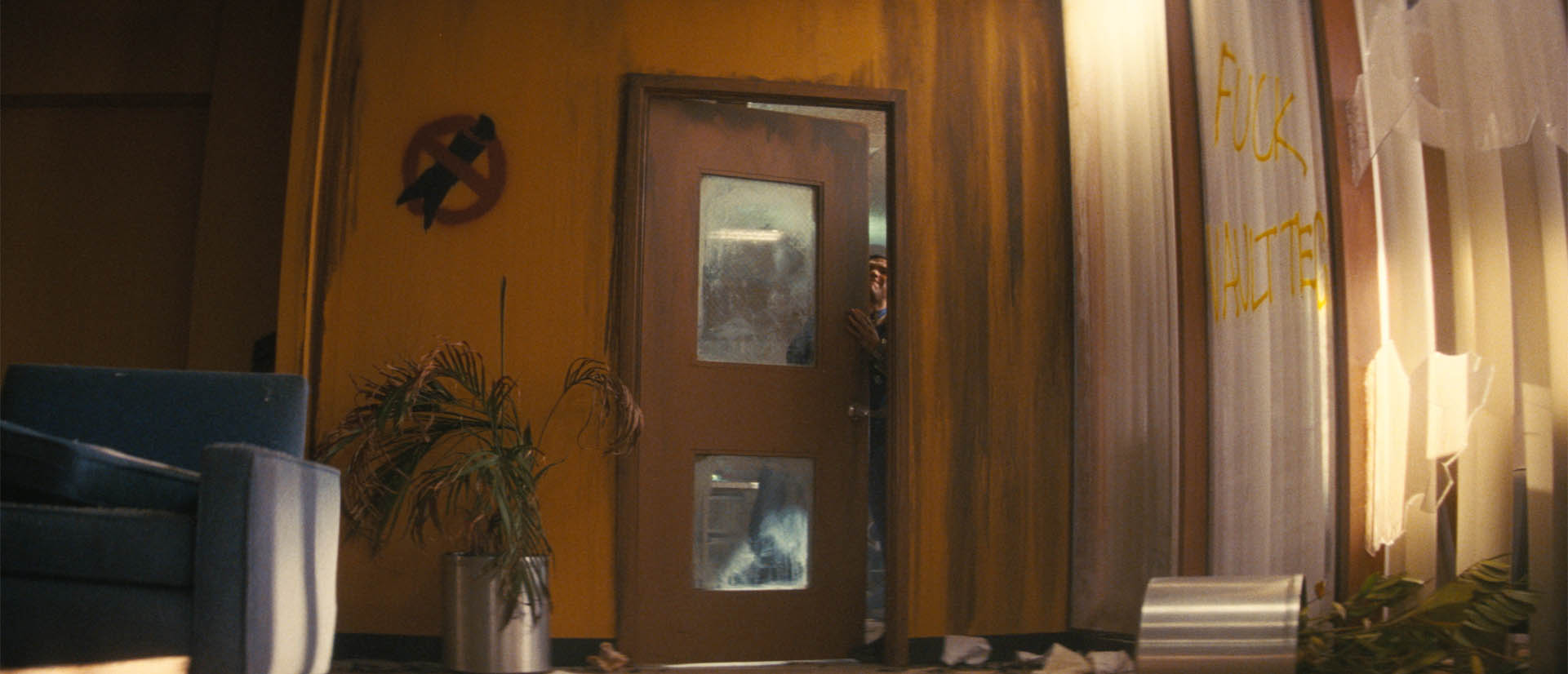
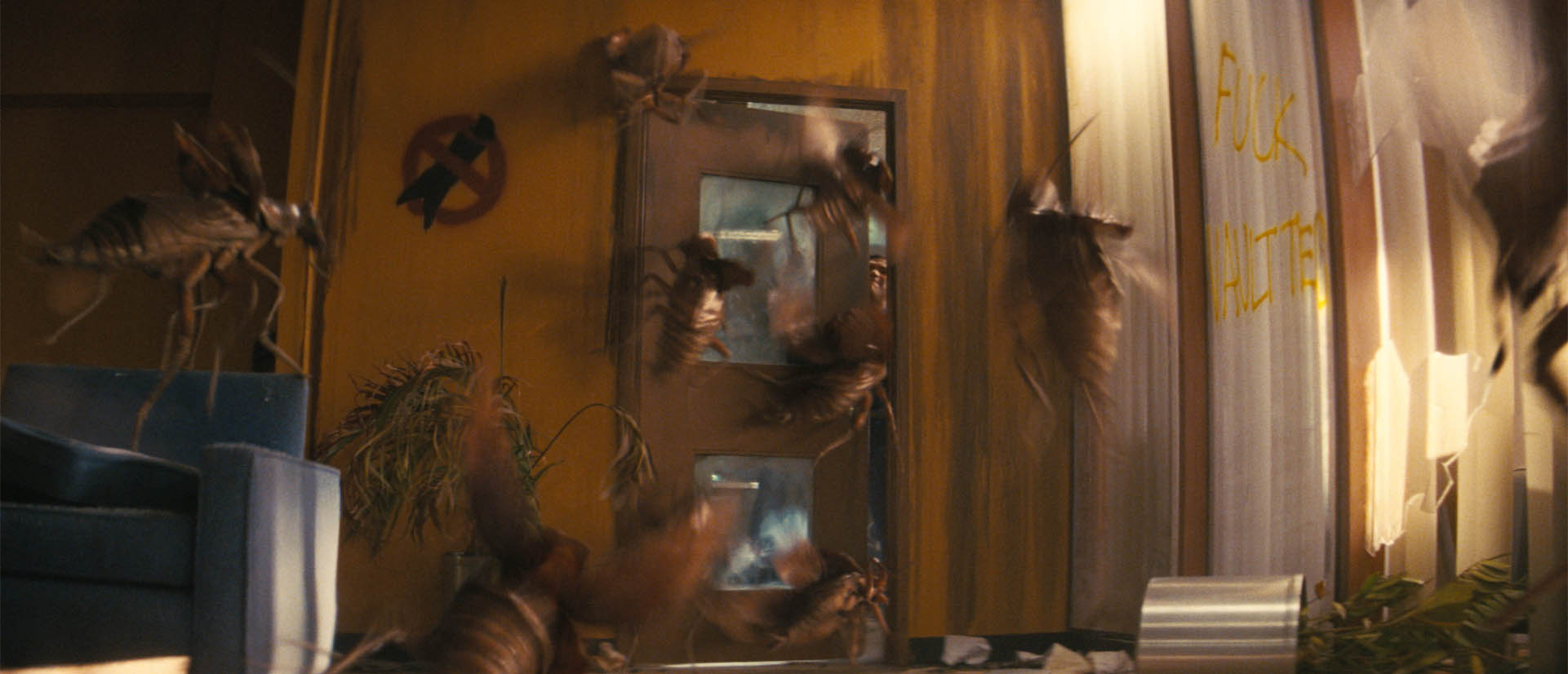
The result is one of the season’s most chaotic sequences: a full Radroach infestation where the insects swarm, collide with the environment and attack the unfortunate humans in their path.
On set, actors sometimes performed against simplified dummy roach stand-ins, giving them something physical to react to. The props were stripped of wings and antennae so performers could safely handle them, but the visual effects team still had to reconcile those practical interactions with the fully animated digital creatures.
The Radroaches themselves were never meant to feel like intelligent predators. Instead, their movement was designed to feel chaotic and awkward , closer to large, clumsy insects buzzing around a room than calculated hunters. The animation team leaned into that idea, creating flight patterns that felt erratic and unpredictable as the creatures slammed into objects and people alike.
The infestation sequence also included one particularly demanding shot that stretched beyond 2,000 frames, requiring extensive cleanup, rotoscoping, and tightly synchronised digital gore as actors reacted to attacks that were largely pantomimed during filming.
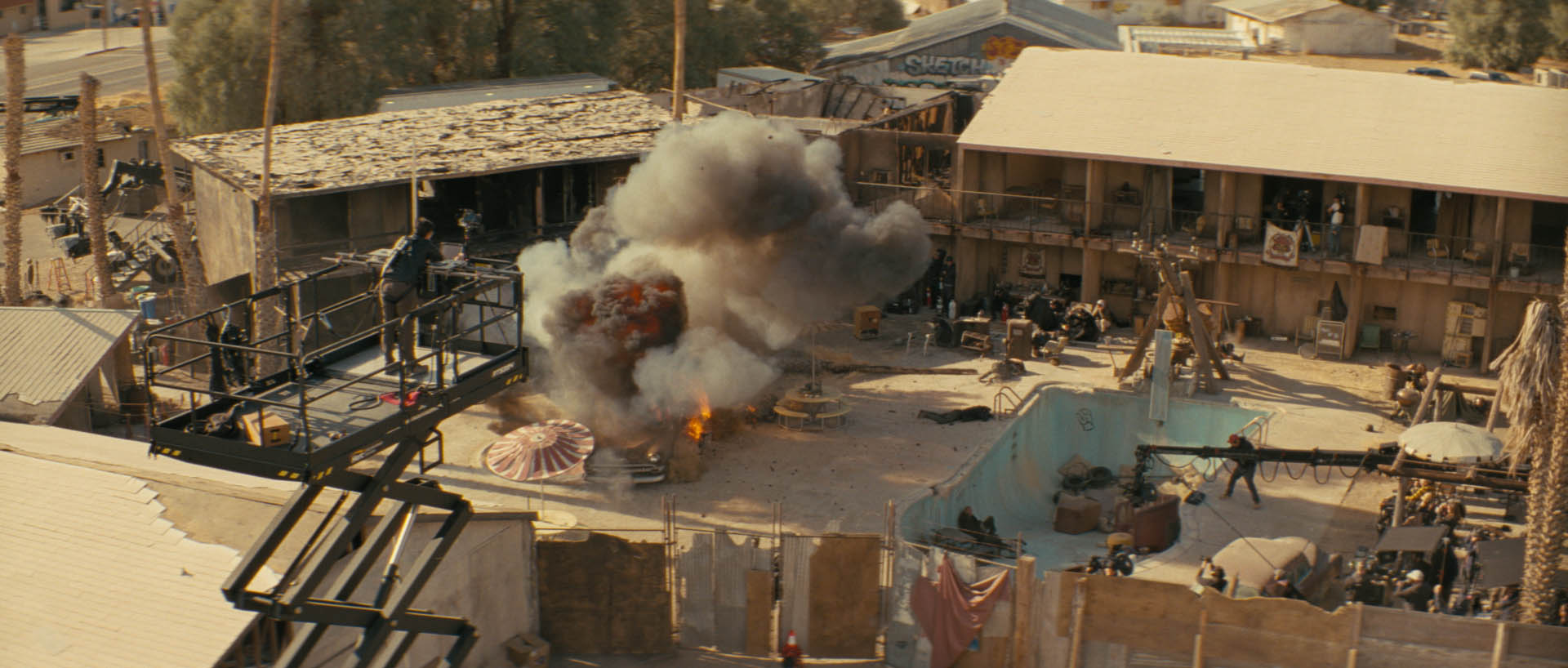
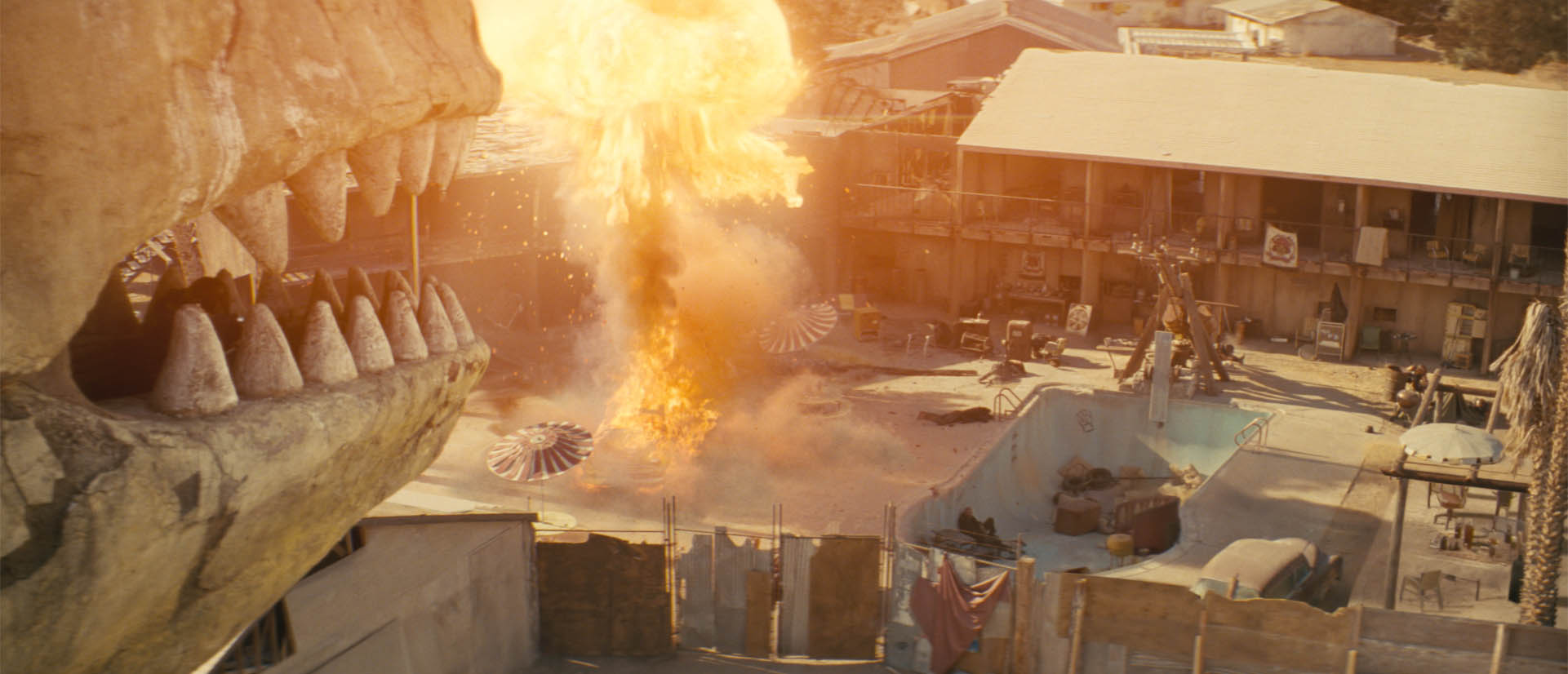
Beyond the creature work, Refuge delivered 192 shots across Season 2, including work on the explosive Novac massacre sequence in episode 101. The team handled a range of destruction effects, including violently exploding characters, stylised nuclear car blasts and environmental extensions that helped establish the Fallout version of the New Vegas desert.
Technically, the studio relied on a pragmatic pipeline built around 3ds Max, Maya, Houdini, V-Ray, and Nuke, supported by high-quality HDR lighting reference captured on set. Camera tracking was handled by specialist vendor-partner, providing accurate matchmove data that allowed the creatures to move convincingly within the filmed environments.
Refuge has grown rapidly in recent years, working on shows such as Fallout, Shogun and One Piece, expanding from roughly 70 artists toward a team of more than 100. Yet the studio continues to operate with a boutique mindset, focusing on creative problem solving and detailed shot work. And while new tools, including AI-driven workflow automation, are beginning to influence production pipelines, Ruff remains clear that visual effects still depend on artists shaping the final result.
In the fxpodcast, we go deeper into the making of Fallout Season 2 with the show’s overall VFX supervisor Jay Worth, discussing how to bring the iconic game world to life on screen.