
Adobe is making a clear statement with the latest Firefly update: they think that GenAI video is no longer about rolling the dice and hoping the next render is better. With a new set of precision editing tools, expanded partner models, a browser-based video editor, plus a temporary move to unlimited generations, Adobe is positioning Firefly as a serious, end-to-end creative platform for AI-assisted storytelling and imagery.
At the core of the new update is a simple idea that Adobe has been pushing hard: Firefly should be one place where creators choose the right model for the job, then shape the output with professional-grade creative controls. That philosophy is now being applied directly to video, addressing one of the biggest frustrations with generative workflows, having to throw away a great take just to fix a small problem.

Precision editing: directing the shot, not regenerating it
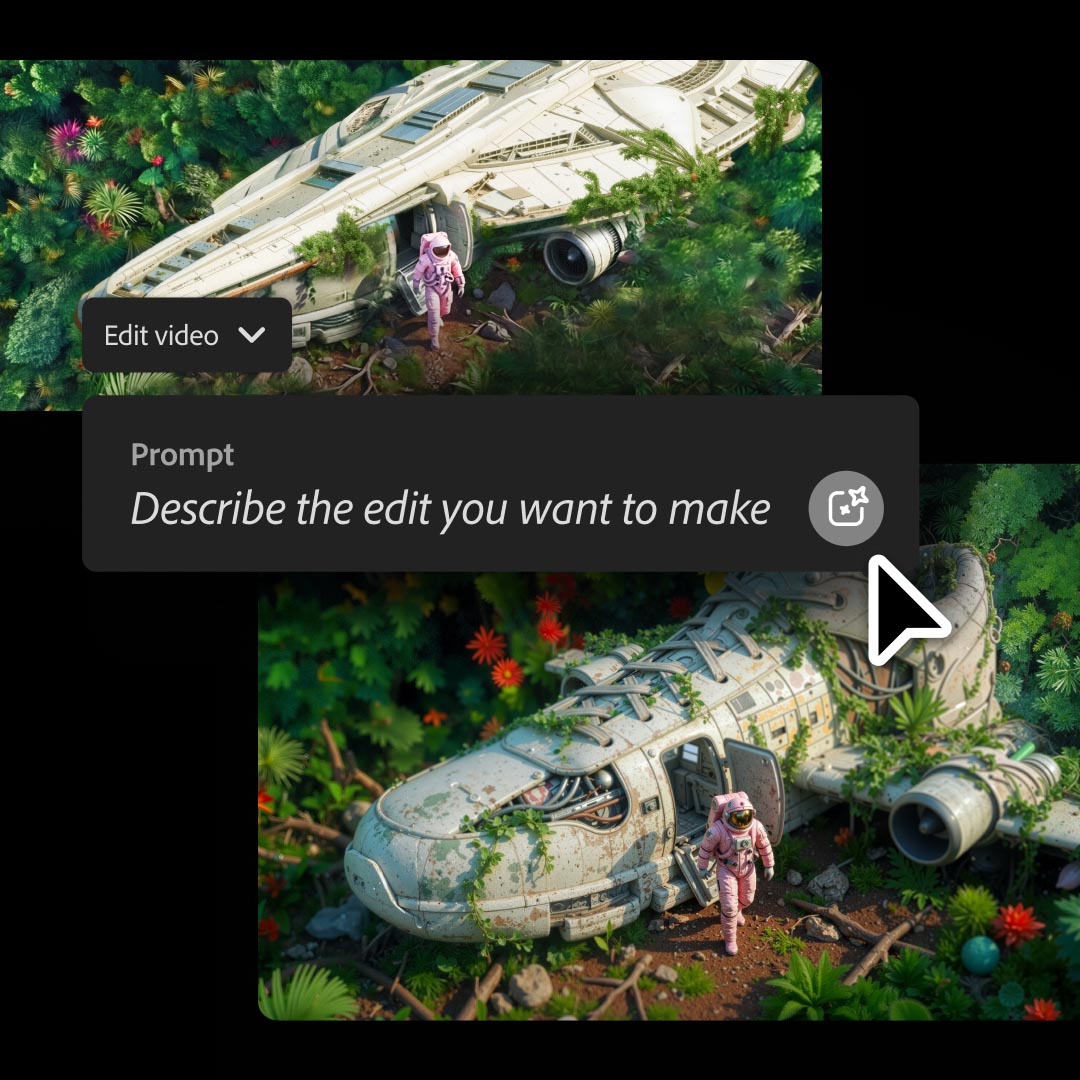
One of the most significant additions is Prompt to Edit for video, which finally breaks the regenerate-everything loop. Using Runway’s Aleph model inside Firefly, creators can now make surgical changes to an existing AI-generated clip with plain-language instructions.
Remove a person from the frame. Swap a background. Change the sky, lighting, or contrast. Even subtly zoom the camera, all without losing the performance or composition that already works and that you like. Firefly applies the edits directly to the clip, turning GenAI video into something much closer to traditional post-production: iterative, deliberate, and director-driven.
For creators used to live-action or high-end CG pipelines, this shift is crucial. You’re no longer “prompting and praying.” You’re shaping a shot, refining it, and moving forward, exactly how workflows are supposed to work.
Camera motion you can actually control
Firefly is also addressing another long-standing pain point: camera movement. With a new camera motion reference workflow, users can upload a start frame image alongside a reference video that defines how the camera should move. The Firefly Video Model then reproduces that motion, anchored to the generated scene. While this has been common in other packages it is new to Adobe.
The result is AI video with intentional camera work rather than generic pans or unpredictable motion. Combined with Prompt to Edit, creators can preserve their “one great take,” refine camera language, and apply a consistent visual style across shots, potentially saving hours of trial and error.
Upscaling and restoration with Topaz Astra
GenAI isn’t just about creating new material; it’s also about making existing footage usable. Adobe is expanding Firefly Boards with Topaz Astra, a high-end video upscaling and restoration model, and one of the best currently available. Creators can now upres clips to 1080p or 4K, restore older or low-quality footage, and prep assets for modern delivery platforms.
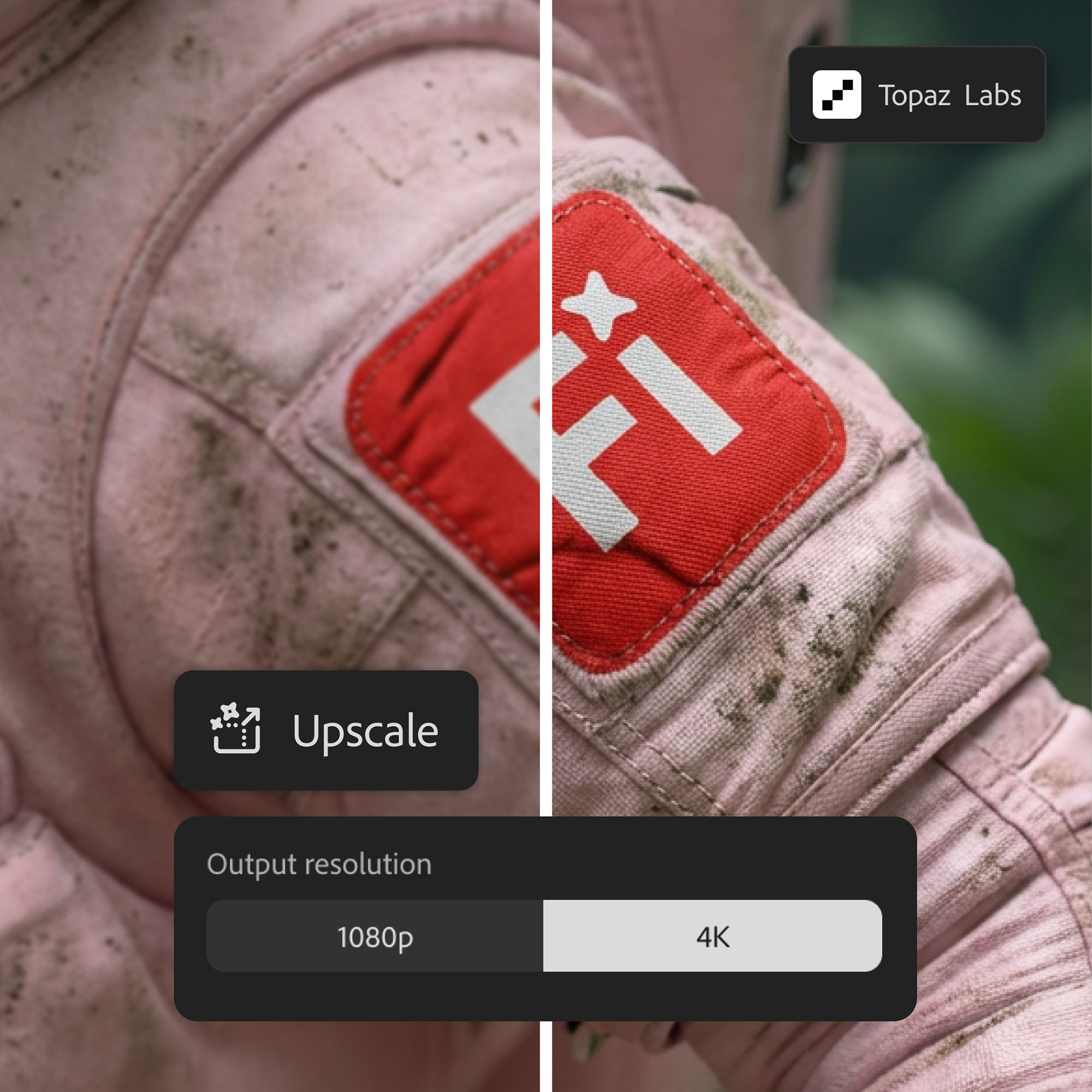
Importantly, this happens in parallel with other creative tasks. While one clip is being upscaled, users can continue working or queue up multiple videos, keeping the workflow going rather than being blocked by processing time. For artists juggling archival material or mixed-resolution assets, this is a practical, production-friendly addition.
More partner models, more choice
Adobe continues to lean into a multi-model ecosystem rather than a single “house” solution. Alongside Firefly’s own commercially ‘safe’ image and video models, users now get access to additional industry-leading options, including FLUX.2 from Black Forest Labs, which supports advanced photorealism, improved text rendering, and up to four reference images.
FLUX.2 is already available across Firefly’s Text to Image, Prompt to Edit, and Boards, as well as Photoshop’s Generative Fill, with Adobe Express support coming soon. The message is clear: Firefly isn’t about locking you into one option, it’s letting you choose the right model for each task, inside a consistent environment.
Firefly video editor: from generations to finished stories
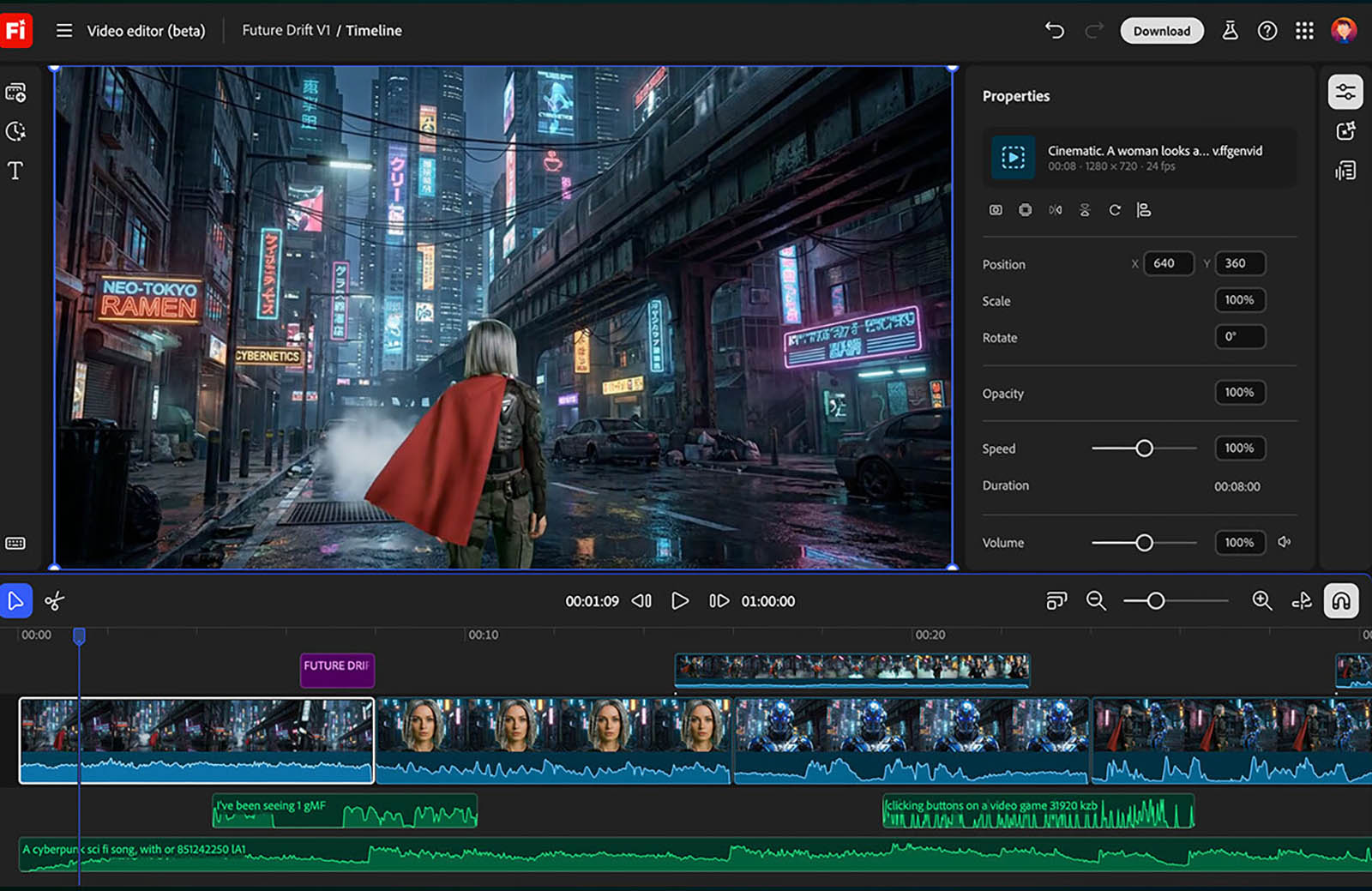
Tying everything together is the Firefly video editor, now broadly available in public beta. This browser-based editor acts as the assembly space where AI generations become complete videos. Generated clips, live-action footage, music, and audio can all be combined on a lightweight multi-track timeline.
Creators can work traditionally with a timeline for precise control, or switch to text-based editing for interviews and talking-head content—rearranging or trimming by simply editing the transcript. Exports support everything from vertical social formats to widescreen edits designed to sit alongside Premiere-based workflows.
Rather than replacing established tools, Firefly video editor feels designed to complement them, allowing rough-to-final assembly in one place.
Unlimited generations (for now)
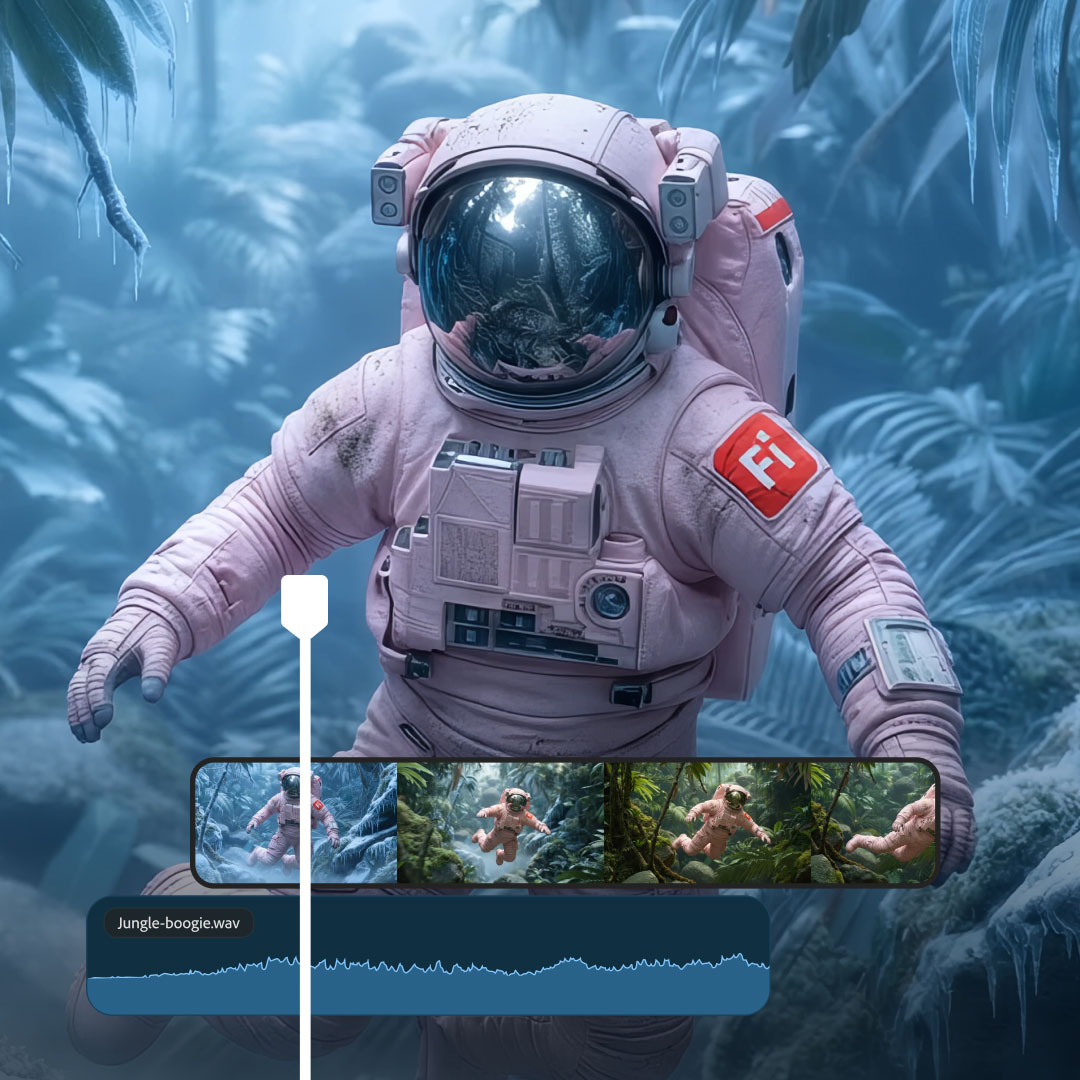
To encourage exploration, Adobe is temporarily offering unlimited generations with Firefly’s video model and all image models, both Adobe and partner, through January 15. The offer applies to Firefly Pro, Firefly Premium, and higher-credit plans, removing one of the biggest psychological brakes on experimentation: worrying about burning credits while finding the right look.
It’s an interesting business move, especially as Adobe notes that first-time Firefly subscriptions have doubled this quarter. Unlimited generations underline the company’s opinion that creators will stay once they experience a more controlled AI workflow.
A more mature vision for AI video
Taken together, these updates signal a shift in how Adobe sees GenAI video:- not as novelty content, but as part of a serious pipeline. By focusing on precision edits, camera control, restoration, model choice, and integration with familiar editing paradigms, Firefly is moving AI video closer to a tool that can be directed by creators and creative professionals.
For our industry that values intent, craft, and control, this may be Firefly’s most significant production upgrade.